

Managing remote IT support without clear pricing or rapid response times often leads to budget blowouts and slow incident resolution for distributed teams. Many providers either restrict urgent responses to long term contracts or rely on bespoke quotes that obscure real costs until late in the buying process. This guide compares six remote IT support partners across Australia so you can choose one with transparent billing, timely support, and the right expertise for your business needs.
Table of Contents
- My IT Butler
- Hutchison IT Solutions
- TechSeek Total Care Memberships
- Onsite Helper
- Little Computer People
- iHelp IT
- Comparative Analysis: Remote IT Support Providers
My IT Butler
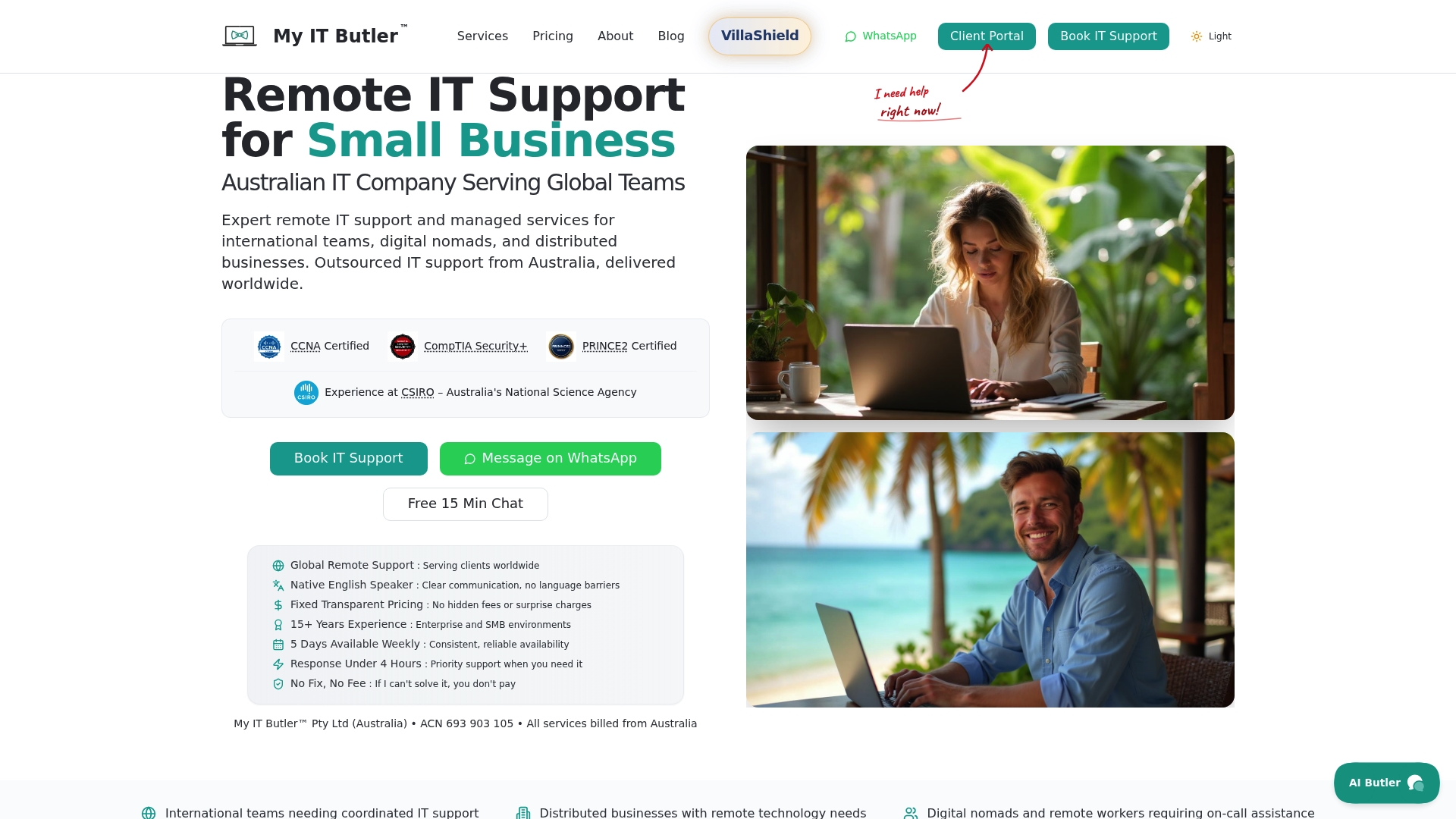
At a Glance
Fixed transparent pricing with no long term contracts is central to My IT Butler’s offer, which simplifies cross-border procurement for distributed teams. The vendor advertises prompt support response, including under four hours for enterprise plans, a claim I reference below as the response claim.
Core Features
- Remote troubleshooting and ongoing IT supervision tailored for teams across time zones.
- Vendor liaison and project management guidance informed by recognised certifications.
- Strategic planning for enterprise environments and bespoke coordination for international staff.
- Flexible plans from on demand sessions to managed liaison and enterprise coordination.
Key Differentiator
My IT Butler bases its support on Australian standards, pairing security and project management guidance with transparent pricing. The combination of Australia‑level practice, vendor liaison, and strategic oversight is the single operational difference that separates this service from simple break fix vendors.
Pros
- Experienced Australian team with certifications such as CCNA, CompTIA Security+, and PRINCE2, which helps when your contracts require vendor credentials.
- Global focus for digital nomads, expats and distributed businesses, so regional timezone handovers are part of the offering.
- Fixed pricing and clear rate signals reduce surprise invoices and simplify monthly budgeting for finance teams.
- Fast response capability. The marketing materials state sub four hour replies for enterprise plans; that response claim supports urgent incident handling and SLA conversations.
- Vendor liaison and strategic planning reduce the number of third parties you must manage during migrations and vendor escalations.
Cons
- Support is entirely remote; no on site attendance is offered, which may matter for organisations that need physical presence for hardware repairs or site audits.
Who It's For
Distributed businesses, remote teams, expats and international companies that want Australian standard coordination without recruiting local engineers in every country. Good for organisations that prioritise clear monthly pricing and strategic vendor management over on site hardware work.
Unique Value Proposition
Fixed, transparent monthly or hourly fees remove procurement friction when you operate across multiple countries. That pricing model shortens the procurement cycle, so you can approve ongoing support quickly and keep one Australian based partner managing cross border IT coordination.
Real World Use Case
A US startup with staff in Europe and Asia uses My IT Butler for 24/7 remote support and project planning. Daily handovers, vendor escalations and security checklists are handled centrally, so internal teams focus on product rather than operational firefighting.
Pricing
See detailed plans on the website. Typical public ranges run from about $30 per hour for on demand remote support to roughly $250 per month for high tier enterprise coordination plans.
Website: https://myitbutler.com
Hutchison IT Solutions
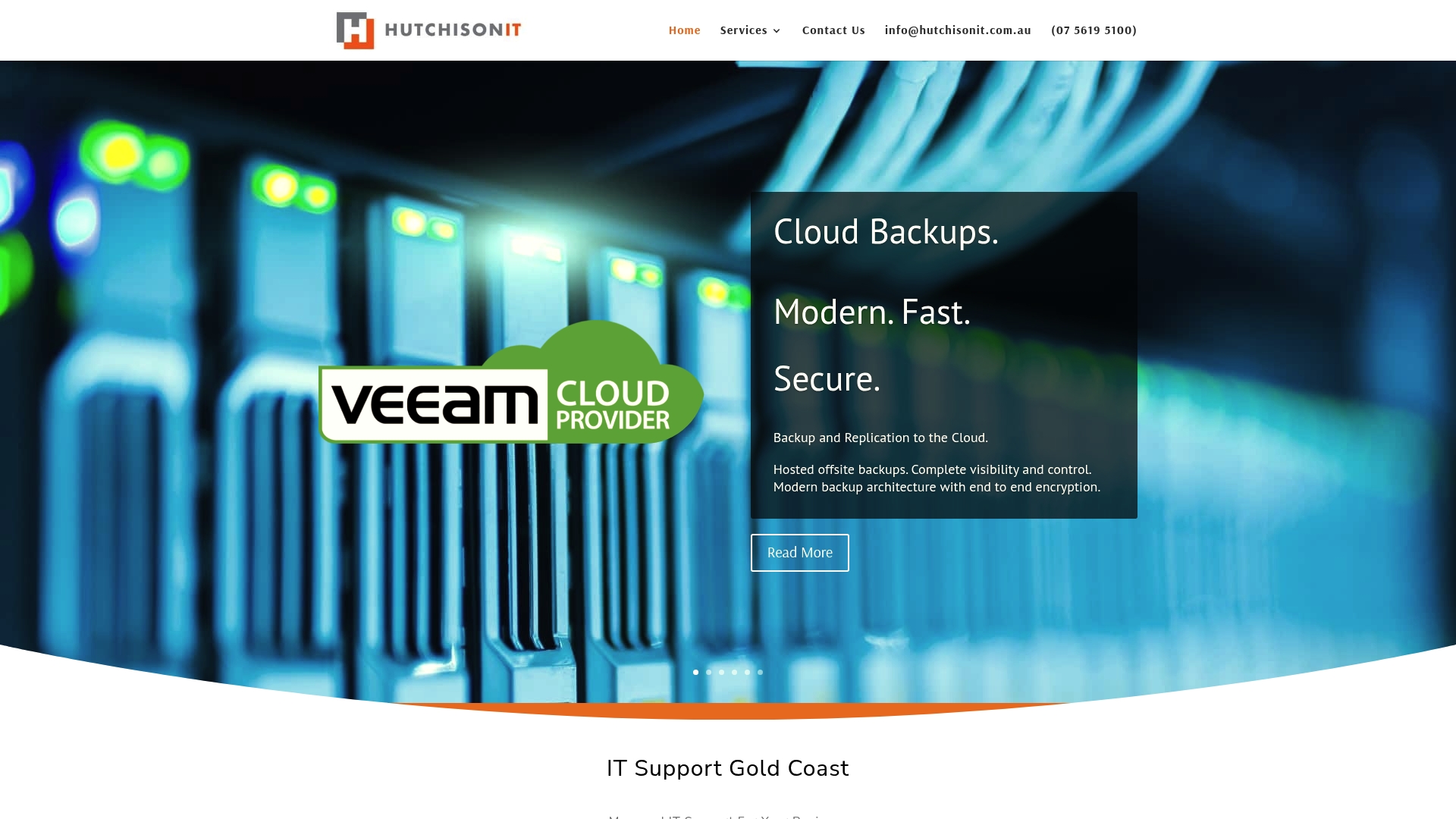
At a Glance
Hosted email security and spam filtering use Trend Micro in the cloud so there is no local installation required, which suits businesses that do not want on-site mail gateways to manage.
Hutchison IT Solutions combines that with local Gold Coast support and cloud backup services aimed at small to medium businesses that prefer an onshore partner.
Core Features
- Cloud backup and replication to remote cloud targets with encrypted, automated copies.
- Microsoft 365 migration services for email, files, and identity consolidation.
- Security across Windows, Mac and mobile with layered protection and hosted email filtering.
- Managed IT support including VOIP, server and workstation support, and incident response.
Key Differentiator
A local Gold Coast presence paired with managed backups and outsourced email security is Hutchison IT Solutions' defining angle. They focus on hands-on deployments for nearby businesses rather than selling only remote, offsite-only support.
That makes them a different choice to providers that centre on global, timezone-spanning remote support and fixed global pricing.
Pros
- The vendor states over 15 years' experience in managed systems which suggests a steady track record for regional clients.
- Partnerships with Microsoft, Dell, Trend Micro and Veeam give access to recognised vendor toolsets and supported migration paths.
- Offsite, encrypted and automated backups reduce recovery risk while shifting storage and replication costs to cloud infrastructure.
- Flexible support options include pay as you go and managed support, letting smaller businesses start without a long contract.
- Dedicated cybersecurity work such as threat detection and vulnerability assessments is available as a named service offering.
Cons
- Some client feedback indicates initial setup and configuration can be complex, which may increase project time and upfront effort.
- Online materials do not publish detailed pricing or standard plans, so small businesses must request a tailored quote to compare costs.
- The emphasis on tailored deployments suggests bespoke work may carry premium fees for custom integrations.
Who It's For
Local small to medium enterprises on the Gold Coast that want an Australian supplier for cloud backups, email protection and day to day IT support. Ideal where onshore presence and vendor-backed tooling matter more than low per-seat costs.
If your business needs 24 hour global remote support across multiple time zones, a provider built specifically for distributed teams may be a better fit.
Real World Use Case
A growing retailer with rapidly expanding data moved mail and file storage to Microsoft 365 and implemented cloud backups managed by Hutchison. The migration reduced local storage demands and gave the retailer a single support contact for backups, email security and VOIP.
Pricing
Pricing is not published and is described in vendor material as tailored per client. Hutchison offers pay as you go and managed support options. Contact them for a scoped quote that reflects migration complexity and backup retention choices.
Website: https://hutchisonit.com.au
TechSeek Total Care Memberships
At a Glance
Plans start at AUD 545/month for small teams and bundle unlimited remote support, proactive monitoring and endpoint security into a single membership. The membership structure also folds in domain and Office 365 tenancy management, with onboarding and free IT risk reviews included.
Core Features
- Unlimited remote support plus proactive monitoring for endpoints and servers.
- Endpoint security coverage and management of Microsoft Office 365 tenancy, domains and hosting.
- Hardware procurement and setup assistance to reduce supplier juggling during rollouts.
- WordPress web hosting with SSL certificate management as part of support packages.
Key Differentiator
TechSeek packages support, security, hardware and web hosting under one monthly subscription so you deal with one vendor for most IT needs. That single-account model aims to make budgeting predictable and reduce vendor coordination for Melbourne and wider Australian businesses.
Pros
-
Predictable billing: the subscription model removes per-ticket surprises and simplifies monthly IT budgeting for finance teams.
-
Single point of contact for hardware procurement and cloud tenancy management, which cuts the typical procurement back-and-forth when buying devices or assigning Office 365 licences.
-
Onboarding and proactive maintenance are included in plans so routine patching and monitoring start from day one rather than being add-on projects.
-
Free IT risk reviews help identify high-risk areas before they become incidents and give you a concise list of remediation items to prioritise.
Cons
-
Publicly available technical details are limited; you will likely need a direct conversation to get architecture diagrams, SLAs or detailed security policies.
-
Pricing shown is a starting figure; TechSeek may provide custom quotes for larger footprints or specialised services which can change the monthly cost.
-
Advanced or highly customised engineering work often sits outside standard memberships and could require separate professional services or charged add-ons.
When It May Not Fit
If your business operates under strict, documented SLAs or needs audited security standards that require vendor attestations, the limited public detail means you will need to verify those items before signing. Also, access to the online platform requires an internet connection and cookies enabled, which may not suit locked-down environments.
Who It's For
Small to larger Melbourne and Australian organisations that want a single managed IT partner for day to day support, device procurement and basic hosting. It suits teams that prefer predictable monthly costs over per-incident billing and value bundled onboarding.
Real World Use Case
A Melbourne startup on the Growth plan receives support for up to 25 staff with scheduled on-site hours, endpoint security and cloud tenancy management. That setup kept the company operational during a rapid hiring phase and removed the need to manage multiple suppliers.
Pricing
All plans are subscription based with prices starting at AUD 545/month for small teams. Higher tiers support growing organisations and enterprise customers receive bespoke quotes based on headcount and on-site requirements.
Website: https://techseek.com.au
Onsite Helper
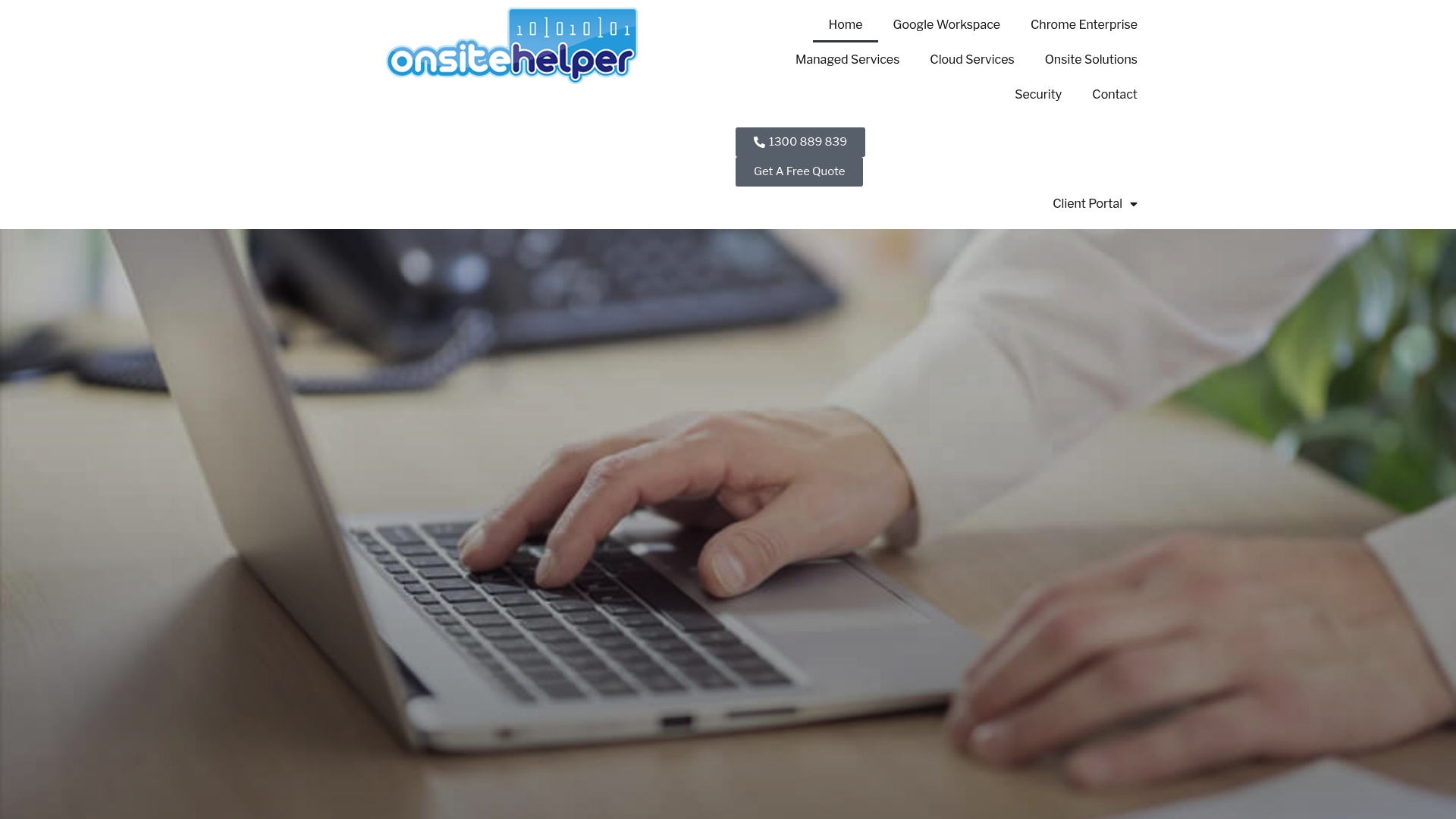
At a Glance
Onsite Helper's marketing materials cite a 4.9 Google review score from 149 reviews, signalling strong local satisfaction for Melbourne clients. The company pairs onsite technicians with cloud and security services, positioning itself as a local managed IT partner for medium-sized Australian organisations.
Core Features
- Managed IT support with both onsite and remote technicians for hands-on fixes and remote troubleshooting.
- Cloud migration and hosting covering Microsoft 365 and Google Workspace setups, migration and ongoing management support.
- Cybersecurity services including security audits, threat protection and vulnerability management.
- Ongoing cloud services to keep data available and backed up across Australian operations.
Key Differentiator
Onsite Helper advertises rapid onsite response as quick as one hour and combines that with a partner ecosystem focused on cloud and security. That local, rapid-response angle plus Google Workspace certification suits organisations that need face-to-face support and an established vendor network.
Pros
- Local presence reduces travel friction for urgent hardware or network repairs and makes follow-up visits straightforward for Melbourne clients.
- The Google Workspace expertise reduces migration risk for businesses moving from legacy mail systems to hosted productivity suites.
- The vendor partnerships reported in their materials make specialist security and cloud tooling accessible without the client having to assemble multiple vendors.
- Customer sentiment appears strong; the 4.9 review figure above gives a quick proxy for responsiveness and client service quality.
- Cybersecurity audits and ongoing threat protection are offered alongside support, so clients can pair remediation with day-to-day sysadmin work.
Cons
- Public documentation lacks technical depth so procurement teams will need direct conversations to verify stack, backup architecture and SLAs.
- Pricing is not listed on the website which makes initial cost comparisons slow unless you request a tailored quote.
- Trust in the high review score depends on third-party listings and case-level references rather than independently published performance metrics.
When It May Not Fit
If you need transparent standardised pricing for simple budget comparison then Onsite Helper will be a poor fit because rates appear customised per client. If your business operates heavy international infrastructure or needs 24/7 follow‑the‑sun coverage, a locally focused provider may not match global staffing requirements.
Who It's For
Medium-sized enterprises in Melbourne and elsewhere in Australia that want a single partner for onsite support, cloud migrations and security work. Particularly relevant for organisations that value a local technician arriving quickly and a vendor who understands Australian compliance practices.
Real World Use Case
A regional hospital engaged Onsite Helper for fast onsite tech visits, Google Workspace setup and cybersecurity oversight. The arrangement replaced fractured vendor relationships and gave the hospital a single contact for emergencies and scheduled upgrades.
Pricing
Pricing is not published on the website and appears customised to service needs and response terms. Expect to request a scoped proposal or service-level agreement to get a firm quote.
Website: https://onsitehelper.com
Little Computer People
At a Glance
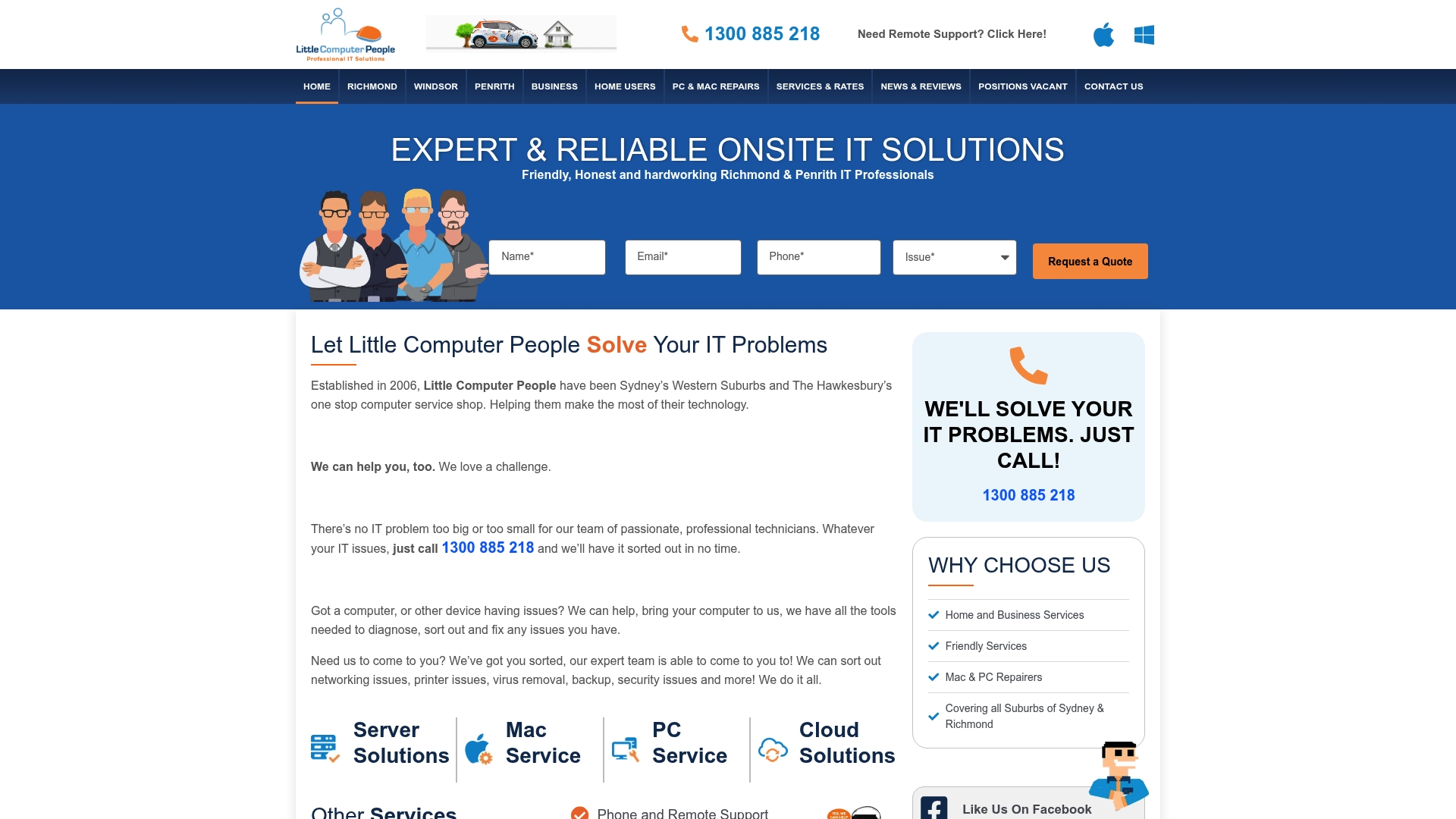
In-store labour is listed at $99/hr, onsite support starts at $140/hr, and remote assistance is shown as $60 per 30 minutes. The business has operated since 2006 and focuses on Sydney's Western Suburbs and Hawkesbury regions.
Core Features
They deliver onsite and remote IT support and repairs for desktops, laptops and small office networks. Server setup, maintenance and basic network optimisation are core staples of their work.
Cloud services include Microsoft 365 support and backup systems, and they offer virus removal and cybersecurity basics for small offices and home users. Web design and device repairs round out the service mix.
Key Differentiator
The firm positions itself as a local, approachable provider with technicians who speak plain English and tailor outcomes to each client. That local presence means technicians can attend a site the same day in many cases, which matters when a single failure stops business activity.
Pros
-
Decades of local experience. The team has been operating since 2006 and knows common faults across small business setups in the area.
-
Friendly, jargon free communication helps non-technical owners understand trade offs and costs without confusion.
-
Fast response for common issues. Local coverage often allows same day attendance for urgent faults which reduces lost trading time.
-
Broad service range from home repairs to small business server work. You can use one supplier for device fixes, email migration and routine backups.
-
Practical, tailored solutions. Technicians focus on fixes you can maintain rather than handing over a black box.
Cons
-
Public reviews mention occasional delays or communication lapses. These appear context dependent but are worth probing at contract stage.
-
Service footprint is limited to Sydney's Western Suburbs and Hawkesbury regions, so they are not suitable if you need national or international coverage.
-
The website does not publish detailed packages. Most work is custom quoted which means pricing transparency requires direct contact.
When It May Not Fit
If your organisation needs a national managed service provider with centralised reporting and 24 by 7 global support, this local model will not match that requirement. If you require published fixed packages for procurement processes you will need a supplier that posts standard plans online.
Who It's For
Small business owners and household customers in Sydney's Western Suburbs and Hawkesbury who want dependable, face to face IT help from technicians who explain things simply. Good for teams that value onsite attendance and local accountability.
Real World Use Case
A local dental practice hires Little Computer People to secure the office network, migrate mailboxes to Microsoft 365 and set up nightly backups. The technicians attend onsite, configure the server, and provide a short handover so the practice manager can verify backups each morning.
Pricing
Services are custom quoted but the site shows in-store work at $99 per hour, onsite domestic support from $140 per hour and remote support at $60 per 30 minutes. Expect quotes for larger work to be itemised rather than flat rate.
Website: https://littlecomputerpeople.com.au
iHelp IT
At a Glance
Local NSW-based support combined with specialist Apple and Windows expertise is the most concrete thing iHelp IT advertises. They pair proactive monitoring, cloud migration and cybersecurity services for small and medium businesses, with a strong emphasis on stability and relationship-driven support.
Core Features
- Managed IT support for cross-platform environments including Mac and Windows, covering day-to-day troubleshooting and device management.
- Proactive system monitoring and maintenance to reduce downtime and identify issues before they escalate.
- Cybersecurity aligned with Australian government standards, plus cloud migration and hybrid cloud solutions for gradual moves off legacy systems.
- Microsoft 365 setup and ongoing management, and support for business phone systems and mobile device management.
Key Differentiator
Deep cross-platform experience is iHelp IT’s clear strength. They present themselves as a local partner who can manage mixed Apple and Microsoft estates without shoehorning clients into one platform.
That local presence pairs with strategic IT planning and proactive maintenance rather than a purely reactive break/fix approach.
Pros
- Long-term local relationships mean technicians understand on-site constraints and regulatory expectations for NSW businesses, which speeds remediation.
- Expertise across Apple and Microsoft environments reduces device compatibility headaches when teams use a mix of Macs and Windows PCs.
- Proactive management reduces interruptive firefighting by catching failing drives, patch gaps and misconfigurations earlier.
- Flexible, scalable solutions aimed at SMBs let smaller organisations grow without vendor churn.
- Responsive customer service means technical contact is local and familiar, shortening resolution times and improving handovers.
Cons
- Publicly available material lacks detailed technical descriptions of the tools and security controls they use; you need to ask for specifics during procurement.
- Pricing is not published, so budgeting requires a direct quote and discovery conversation.
- They do not position themselves for very large enterprises; complex global estates with multiple regional compliance needs may outgrow their remit.
When It May Not Fit
If your business runs a global, multi-region IT estate with dozens of data centres or complex federation needs, this local SMB focus may be too narrow. Also, if you need transparent, published pricing to feed into procurement processes, expect extra lead time while you obtain quotes.
Who It's For
Small to medium-sized organisations across NSW and nearby regions that use a mix of Apple and Windows devices and want a trusted local partner for ongoing IT operations. Teams prioritising hands-on local support and staged cloud migration will get the most value here.
If you manage distributed international teams and require multi-timezone strategic coordination, a provider with explicit global coverage may be a better fit.
Real World Use Case
A regional healthcare provider moved on-premises records into a hybrid cloud setup while iHelp IT upgraded endpoint security and introduced mobile device management for clinicians. The phased migration limited downtime and tightened access controls for remote staff.
Pricing
Prices are not published. The vendor requests direct contact for quotes and scope scoping. Expect a discovery call, a site audit or remote assessment, then a tailored proposal with options for ongoing managed services or a project-based engagement.
Website: https://ihelpit.com.au
Comparative Analysis: Remote IT Support Providers
Choosing a remote IT support provider involves considering factors like geographical reach, pricing structure, specialised services, and response times. After reviewing five prominent options, including My IT Butler, we compare their offerings to highlight essential trade-offs and help determine the right service for various business profiles.
Transparent Pricing and Global Coordination
My IT Butler stands out for its emphasis on cost transparency with fixed pricing and support plans tailored for globally distributed teams. Clients seeking predictable budgets will find this approach advantageous. In contrast, providers like Hutchison IT Solutions and Onsite Helper favour bespoke pricing models, potentially leading to more tailored solutions but requiring extended lead times for budget comparisons. TechSeek offers fixed starting prices but might adjust rates based on specific service requirements, providing a compromise between transparency and customisation.
Local Versus Distributed Services
Providers such as Little Computer People and iHelp IT excel in delivering support that combines local presence with adaptive services like device repairs and cross-platform support, benefiting businesses concentrated in specific locales. On the other hand, My IT Butler excels in inter-region IT management, accommodating businesses operating across continents. Companies needing hands-on assistance or prioritising region-specific services may lean towards local-centric providers.
Best Fit Recommendations
- My IT Butler: Choose this provider for its emphasis on cost control and globally applicable IT solutions, suitable for distributed teams that value Australian standards of service.
- Hutchison IT Solutions: A preferred choice for small businesses seeking reliable local support, particularly with cloud backup and email security solutions.
- iHelp IT: Practical for SMBs in NSW needing a reliable local partner for Apple-Windows mixed environments and proactive system monitoring.
Our Pick: My IT Butler
Given its unique integration of global IT management with straightforward pricing policies, My IT Butler effectively addresses the complexities inherent to distributed teams and diverse operational environments. It may not suit clients requiring frequent onsite visits, for which region-focused providers, such as Onsite Helper, might be more appropriate. However, for businesses prioritising streamlined, remote-first IT coordination, My IT Butler delivers a compelling proposition.
Remote IT Support Services Comparison
Compare top remote IT support providers to identify the best fit for your operational needs.
| Provider | Core Feature | Key Differentiator | Best For | Pricing | Notable Limitation |
|---|---|---|---|---|---|
| My IT Butler | Remote troubleshooting for global teams | Australian standards in security guidance | Distributed international teams | $30/hour to $250/month | No on-site attendance offered |
| Hutchison IT Solutions | Cloud backup and encrypted replication | Local Gold Coast presence | Small Gold Coast businesses | Not disclosed | Complex initial configurations |
| TechSeek | Unlimited remote support memberships | Bundles IT, hosting, and security services | Melbourne small organisations | Starting at AUD 545/month | Limited public technical details |
| Onsite Helper | Managed IT with on-site technicians | Rapid onsite response | Melbourne medium enterprises | Not disclosed | Pricing requires tailored quote |
| Little Computer People | On-site and remote support for SMBs | Same-day attendance for Western Sydney | Sydney’s small businesses | $99/hr in-store to $140/hr | Limited to Sydney’s Western Suburbs |
| iHelp IT | Cross-platform IT management | Mixed Apple and Microsoft environments | NSW small organisations | Not disclosed | Not suited for large enterprises |
Discover Reliable Remote IT Support with Myitbutler
When searching for trustworthy ithelper.com.au alternatives, Myitbutler stands out by specialising in remote IT support tailored for international teams, expats and digital nomads. With transparent fixed pricing, strategic IT coordination based on Australian standards and a team certified in CCNA, CompTIA Security+ and PRINCE2, Myitbutler removes the challenges of managing IT across multiple time zones. Avoid unpredictable bills and lengthy contracts while enjoying fast, professional service designed for your distributed business.

Explore how Myitbutler can simplify your cross-border IT management with clear pricing and expert vendor liaison. Visit Myitbutler now and book a consultation to get a tailored remote support plan that keeps your global operations running smoothly.
Frequently Asked Questions
What types of businesses are best suited for My IT Butler's services?
My IT Butler is particularly suitable for distributed businesses, remote teams, and international companies needing Australian standard coordination. They offer remote troubleshooting and ongoing IT supervision tailored for teams across time zones, ensuring that support meets unique operational needs. Consider booking a consultation to see how they can assist your specific requirements.
How does My IT Butler compare to Hutchison IT Solutions in terms of local support?
Hutchison IT Solutions offers a strong local presence with managed backups and email security aimed at small to medium businesses on the Gold Coast. In contrast, My IT Butler focuses on supporting distributed teams globally, providing an on-demand support model that may be more beneficial for businesses operating across multiple regions. Assess your need for local support versus global coordination when making your choice.
Can I expect fixed pricing plans with My IT Butler like I would with TechSeek?
Yes, My IT Butler provides fixed, transparent monthly or hourly fees, which removes the uncertainty of surprise invoices that can occur with other providers. This pricing model simplifies budgeting, making it easier for finance teams to forecast costs accurately. For a clearer understanding of how this can fit into your business needs, consider reaching out for more details on specific plans.
Does Onsite Helper provide faster support response times compared to My IT Butler?
Onsite Helper advertises a rapid onsite response time as quick as one hour for urgent issues. My IT Butler, while also efficient with a sub-four hour response for enterprise plans, focuses on remote support, which may be more suitable for businesses that do not require onsite assistance. Evaluate your business needs regarding urgent support to decide which service aligns better with your operational expectations.
What unique advantages does My IT Butler offer over other alternatives?
My IT Butler differentiates itself with its focus on Australian standards and transparent pricing paired with strategic vendor management. These features support operational efficiency and mitigate procurement friction when working across borders. If you value a systematic approach to IT coordination, it might be beneficial to explore a service agreement with them.